Home
Sign Up
Sign In
›
Visual Studio Code
V2EX
›
Visual Studio Code
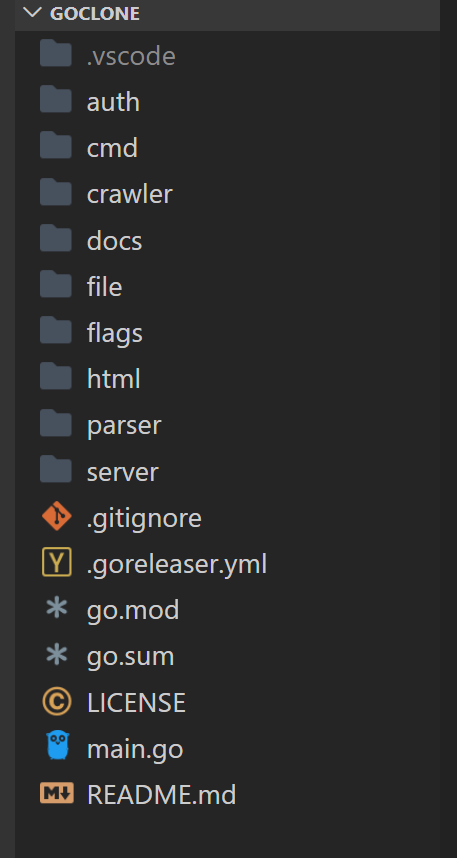
vscode 侧边栏字体放大
uuhp2009
·
May 10, 2020
· 4564 views
This topic created in 2308 days ago, the information mentioned may be changed or developed.
.explorer-folders-view { zoom: 1.2; }
需要 Custom CSS and JS Loader 插件
Loader
VSCode
Custom
边栏
4 replies
•
2020-05-10 12:51:58 +08:00
1
hui312
May 10, 2020
感谢分享,你这个是 mac 上面的吗?我想知道 win 上面字体渲染怎么好看些
2
zachlhb
May 10, 2020 via Android
vscode 默认设置里就可以调整 UI 字体大小的
3
arfaWong
May 10, 2020 via Android
@
hui312
上 4K 显示器
4
donnior
May 10, 2020
2
我是直接设置 window.zoomLevel,然后单独改 editor.fontSize; 不需要任何插件
About
·
Help
·
Advertise
·
Blog
·
API
·
FAQ
·
Privacy
·
Solana
·
4775 Online
Highest 6679
·
Select Language
创意工作者们的社区
World is powered by solitude
VERSION: 0c620bea · 53ms ·
UTC 05:41
·
PVG 13:41
·
LAX 22:41
·
JFK 01:41
♥ Do have faith in what you're doing.
❯



 2
2 Select Language